Sensei AI alternative · macOS
A native Mac alternative to Sensei AI
Sensei AI runs in your browser: a web app, with a Chrome extension for coding rounds. It answers hands-free and its free tier lets you try as many 15-minute sessions as you want. But it's $89 a month, or $288 for a year paid upfront, and Sensei doesn't give refunds. InterviewWhispereris a native Mac app instead of a browser tab, three months cost a single $149 payment, and every plan has a full refund within 7 days. Here's an honest side-by-side.
| InterviewWhisperer | Sensei AI | |
|---|---|---|
| Platform | Native Mac app (Apple Silicon) | Web app in Chrome, plus a Chrome extension for coding |
| Price | $29 for a week · $149 for 3 months (one payment) · $69/month | $89/mo, or $24/mo billed yearly ($288) |
| Three months | $149, paid once | $267 on the monthly plan |
| Renews automatically | Weekly and 3-month: never · Monthly: until you cancel | Monthly or yearly subscription until you cancel |
| Refund | Full refund within 7 days, even if you've used it | None |
| On a full-screen share | A separate window excluded from screen capture | A browser tab, which is part of anything you share that shows it |
| Answering | You press ⌘; when the question is done | Hands-free |
| Free option | Free trial: 30 minutes of live answers, no card | Unlimited 15-minute sessions |
Sensei AI prices, refunds and features were checked on Sensei AI's own site in October 2026. They change often, so check there before you buy.
Why a native Mac app instead of a browser tab
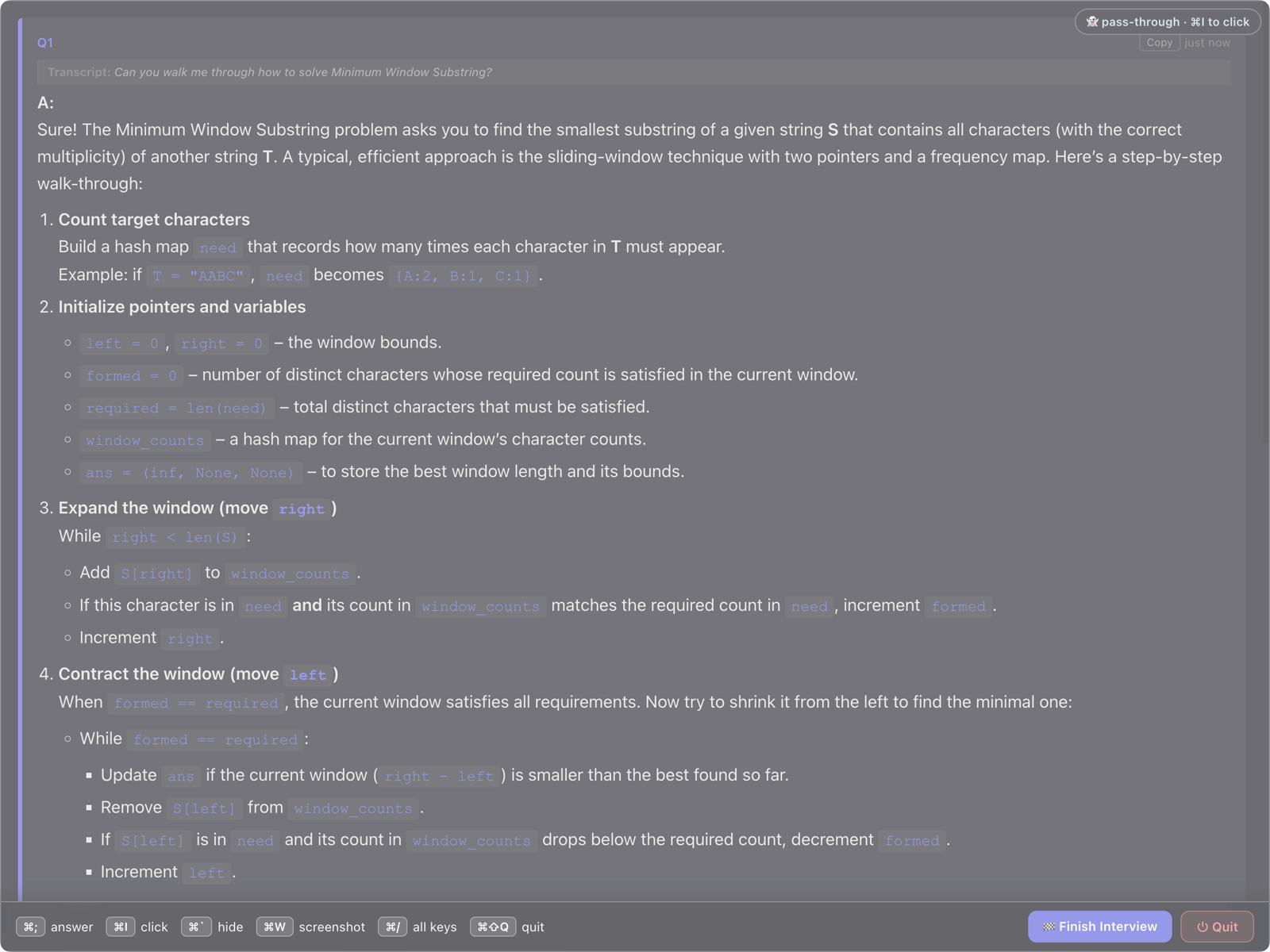
A web app lives in a browser tab, and when you share your whole screen, everything visible on it is shared, tabs included. InterviewWhisperer draws its answers in a separate Mac window that macOS leaves out of screen capture, so you don't have to juggle tabs or remember to share only one window. When the interviewer finishes, press ⌘; for a short answer you can say out loud, built from your resume and the job description. Screenshot a coding problem with ⌘W for the approach, the code and the complexity, and get a recap of every question when the call ends.
What "invisible" does and doesn't mean
We're specific about this on purpose. The overlay uses macOS's window-level capture exclusion, so it's left out of screenshots, screen recordings and screen shares that capture through the system. We've tested it in Google Meet and in Zoom, both the desktop app and the browser. In the Zoom desktop app, leave Screen capture mode on Auto (the default) rather than "Advanced capture without window filtering". It isn't a magic cloak: a phone camera pointed at your screen can still see it. You can try it free on your own Mac (30 minutes of live answers, no card) and run the free checker before you pay.
Pricing without the subscription trap
Most job searches take two to three months. InterviewWhisperer is $149 for three months, one payment that covers the whole hunt, or $29 for a single weekif you just have a few rounds coming up. Neither one renews, so nothing bills you after you land the job. If you'd rather pay monthly, that plan is $69 and you can cancel anytime.
Questions people ask
Is InterviewWhisperer cheaper than Sensei AI? For a typical two-to-three month job search, yes: $149 once for three months, versus $267 on Sensei's monthly plan. Sensei's yearly plan works out cheaper per month but costs $288 upfront.
Can I get a refund? Yes, a full refund within 7 days on every plan, even if you've used it. Sensei's FAQ says it doesn't offer refunds.
Does InterviewWhisperer answer hands-free like Sensei? No. You press ⌘; when the interviewer finishes, so it only answers what you want answered. If hands-free is the priority, Sensei does that.
Does it work on Windows or in a browser? No, it's a Mac app for Apple Silicon Macs. Sensei runs anywhere Chrome does.